Short answer: in 2026, "free fax software" installed on your computer does only half the job. It lays out the document, manages an address book and produces a transmission report — but it needs two things no download can provide: a fax modem (internal, USB or built into a multifunction printer) and a phone line capable of carrying a fax call. If you have both, free tools do exist and work perfectly well: Windows Fax and Scan, macOS printing services with a compatible modem, HylaFAX or efax on Linux, the fax function of routers and multifunction devices. If you have neither a modem nor a line — now the majority of cases, especially abroad where copper is being switched off faster than in France — then software is simply the wrong category of solution: you need an online fax service, and for a one-off send, a free service such as the form on the home page is enough.
About MondialFax. This article is a technical guide independent of any software vendor. MondialFax sends faxes free of charge and without registration to seven destinations (France, Belgium, Germany, Spain, Italy, Portugal, Canada) from a browser, with no software and no modem. It does not assign a number and does not provide reception: the reception scenarios mentioned here assume a third-party provider. See receiving a fax.
The basic misunderstanding: software ≠ line
The search for "free fax software" almost always hides a different question: how do I send a fax from my computer without a machine? The two do not overlap, and that is the source of most disappointments.
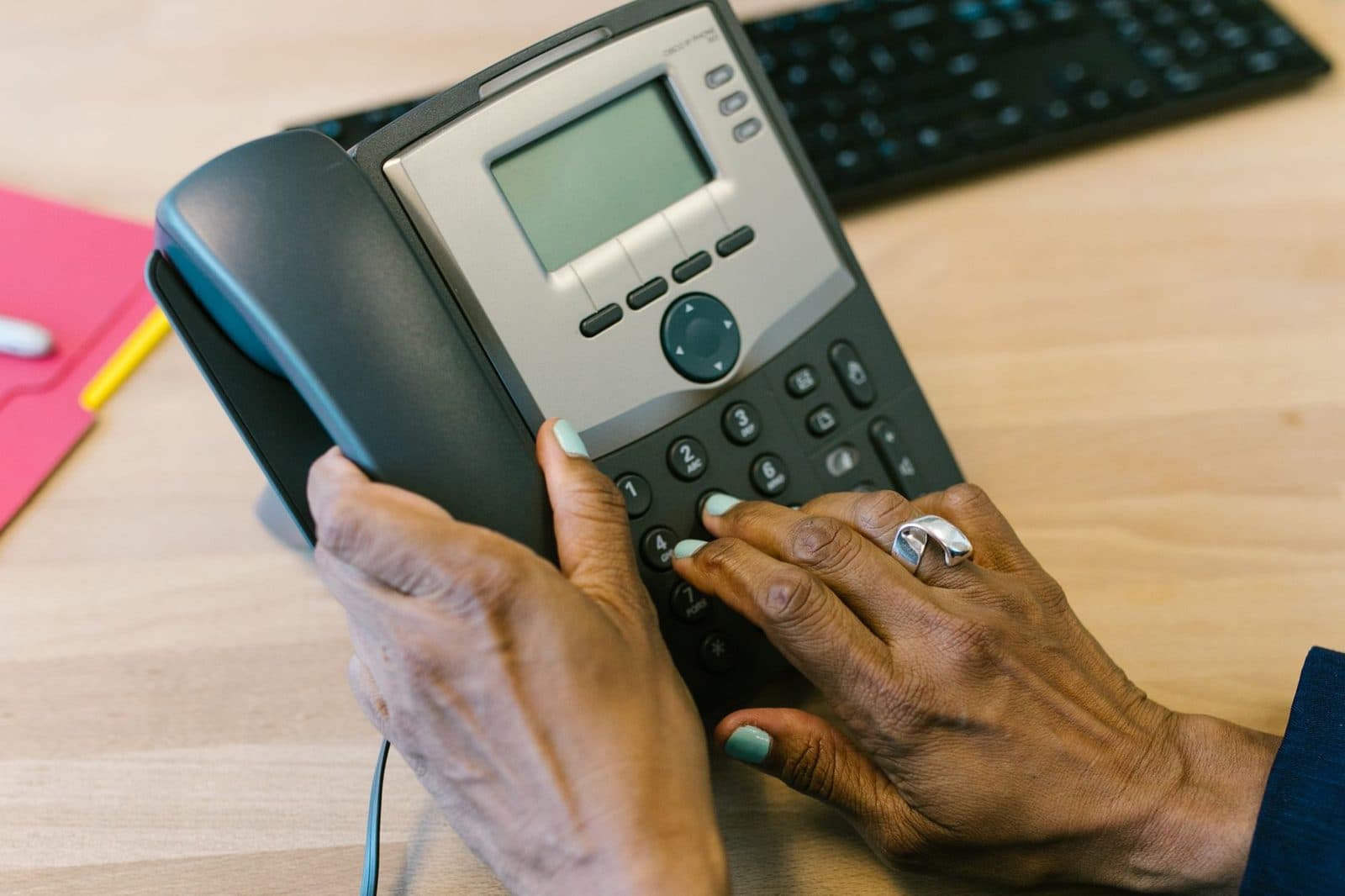
A fax is a phone call during which two machines negotiate a protocol (T.30 over the switched network, T.38 over voice-over-IP) and transmit an image line by line. Fax software is therefore a driver: it converts your PDF into a bitmap image in the right format (A4, 204 × 196 dots per inch in fine mode), dials the number through a modem, monitors the tones and logs the outcome. Without a modem, it has nothing to drive. It is exactly like installing printing software with no printer.
Three practical consequences:
- A recent laptop no longer has a modem. The last internal PSTN modems disappeared from consumer machines around 2010. You need an external USB fax modem, still easy to find for a few tens of euros, in a 56k V.92 version with an RJ11 socket.
- A fibre router does not offer a reliable fax line. The phone socket on a router carries voice over IP. Faxes sometimes get through, often fail — a subject we covered in detail in Fax over VoIP: why T.38 fails.
- Outside France, copper is disappearing faster. In Germany, Deutsche Telekom completed most of its "All-IP" migration as early as 2018; in Portugal and Spain, Altice and Telefónica shut down their copper exchanges in waves; in Canada, Bell and Telus are pushing fibre and fixed wireless. Fax software therefore often finds no analogue line at all to use there. See our page on the end of the PSTN: what happens to my fax.
What is available for free, system by system
Windows 10 and 11: "Windows Fax and Scan"
Microsoft still ships the long-standing Windows Fax and Scan tool (wfs.exe), inherited from Windows XP and still present in Windows 11 as an optional feature. It lets you create a fax, import a document, add a cover page and review a transmission log. It is also available as a virtual printer: in any application, "Print → Fax".
Its limitations are clear-cut:
- it requires a fax device recognised by Windows (analogue modem or network fax server);
- it cannot talk to an online fax service;
- multi-user configuration goes through the Fax Server role in the server editions, out of reach for a standalone workstation.
In other words: free, yes; self-sufficient, no.
macOS: the gradual disappearance of system faxing
Apple long integrated faxing into the print panel — a legacy of Macs fitted with an internal modem. Since Apple modems were discontinued, the function only activates if a USB modem exposes a CUPS-compatible driver, which is becoming rare. In practice, on a 2026 Mac, the "Fax" option only appears if you have gone through a network multifunction device with a fax module, and it is then the manufacturer's driver (Brother, Canon, HP, Epson) that does the work.
Linux and BSD: HylaFAX, efax, mgetty
This is where free software remains strongest. HylaFAX+ is a genuine fax server: queueing, retries, routing of incoming faxes to e-mail, management of several modems. efax and mgetty+sendfax are enough for a single workstation. Combined with Asterisk and the T.38 module, they even make it possible to fax without copper, through a SIP provider that supports the protocol properly.
The cost is not zero, though: it is paid in administration time. For a single person sending three faxes a month, setting up HylaFAX is economically absurd. For a hospital department or a practice receiving fifty pages a day, it is on the contrary a serious foundation — we compare the two approaches in in-house fax server or cloud fax.
The software bundled with multifunction devices
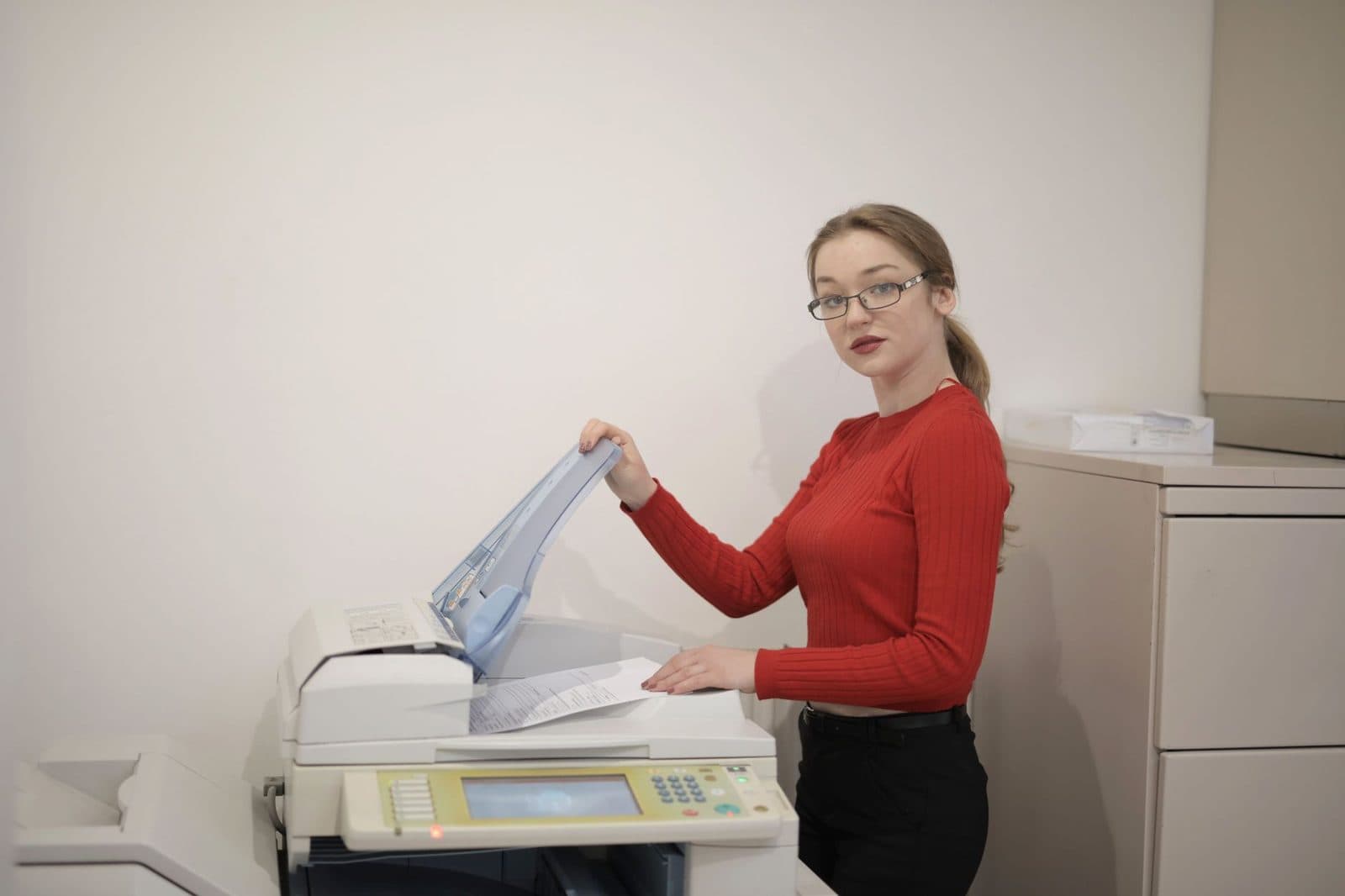
Don't overlook it: if you own a multifunction laser printer with fax, the vendor supplies a free PC-Fax utility that sends directly from the computer without going through the scanner. It is often the simplest solution for an office that already has the device and the line. The input quality still has to be good, though: a document scanner with an automatic feeder does more for legibility than any software setting, as explained in our guide on the unreadable fax.
"Free fax" mobile apps
On iOS and Android, apps called "Free Fax" are almost all clients for paid services: the app is free, sending consumes credits bought through a weekly subscription. Three points to watch:
- check the real price of the first send beyond the trial page;
- check the permissions requested: a fax app has no need whatsoever for your contacts or your location;
- check what happens to the documents you send: a fax often contains health or civil-status data, which falls under the GDPR, detailed in fax confidentiality.
The decision table
| Your situation | The right solution | Real cost |
|---|---|---|
| Modem + analogue line still active | Windows Fax and Scan, manufacturer's PC-Fax | €0 |
| Multifunction fax device already on the network | Manufacturer's utility | €0 |
| Several workstations, daily volume, Linux available | HylaFAX+ (+ T.38 if copper is gone) | admin time |
| No modem, no line, occasional sends | Free online fax service, from the browser | €0 |
| No modem, no line, need to receive | Fax-to-email provider with a dedicated number | subscription |
| Sends abroad (Quebec, Germany, Italy, etc.) | Online service, no local software | variable |
The last row deserves some elaboration, because it is the most frequent case for readers of this site.
The cross-border case: why local software loses
Imagine a French expatriate living in Montreal who has to submit a form to a Quebec government body, or a small company in Lyon sending a document to a German court. Local software piles up the handicaps.
The cost of the international call. A fax sent from a modem is billed as a long-distance call. Ten pages to Canada means several minutes of connection time, multiplied by the retries. An online service pools those minutes.
Time differences. A Quebec office fax machine answers between 8 a.m. and 5 p.m. Eastern Time, i.e. 2 p.m. to 11 p.m. in Paris. Local software lets you schedule the send time, but the calculation is up to you. A dual time zone wall clock in an office working with North America prevents more mistakes than people think.
Number formats. Dialling from a modem requires the right outbound prefix, the country code, sometimes dropping the leading zero. The rules vary from country to country: we have gathered them in the dialling code directory.
Channel availability at the other end. Even perfectly configured, your software will change nothing if the recipient has switched to a mandatory digital channel: beA for German lawyers, PEC in Italy, the registro electrónico in Spain, eBox in Belgium, the online services of Revenu Québec and IRCC in Canada. Check the expected channel first, and only then the sending tool: that is the logical order, developed in Fax machines in Quebec in 2026.
If you insist on a local setup: the honest shopping list
For a workstation that really has to fax on its own, here is what you need to put together — and it is rarely free from end to end.
- A V.92 USB fax modem with a maintained driver for your system. Explicitly check Windows 11 or recent Linux kernel compatibility before buying.
- A line that carries faxes. Either some remaining copper, or an analogue telephone adapter (ATA) connected to a SIP provider advertising T.38 support. The ATA is the component systematically forgotten in budgets.
- An RJ11 phone cable of decent length — the flat cables supplied are 30 cm long and force you to put the laptop on the floor.
- A desktop UPS if reception has to survive a brief power cut: a fax interrupted mid-page is a lost fax.
- Conservative settings: speed capped at 9,600 bit/s, ECM error correction disabled in case of repeated failures, fine mode rather than photo. The full diagnostic process is in my fax won't go through.
And on the document side: original quality matters more than the software. A paper guillotine to square up photocopied pages neatly, or simple A4 clear sleeves to protect fragile originals before they go through the feeder, prevent half of all jams and skewed pages.
Free, yes — but free for what?
Three kinds of "free" need to be distinguished, and they are not worth the same.
Free software: the tool costs nothing, but you pay for the hardware, the line and the calls. Suitable if the infrastructure already exists.
A free online service for sending: you pay for neither software, nor hardware, nor the call. In return, expect limits — number of pages, number of sends per day, no receiving number. That is the MondialFax model, whose caps are explained in the frequently asked questions. For a one-off send to one of the seven destinations served, it is the shortest route.
The free trial of a paid service: useful if you need a receiving number, because receiving necessarily means that an operator reserves and maintains a number for you — which cannot be free in the long run.
One last, often overlooked point: bulk sending remains regulated. Local software technically allows you to send a thousand faxes, but in the European Union fax marketing requires the recipient's prior consent, and in Canada the CRTC rules on unsolicited telecommunications apply to faxes just as they do to automated calls. A free service therefore generally blocks fax broadcasting, and that is a protection for the sender as much as for the recipient.
Frequently asked questions
Is there software that sends a fax without a modem or a line?
Software that sends on its own, no. Software that drives a remote service, yes: that is what the desktop clients of cloud fax providers do, along with the virtual printers they install. But the intelligence sits on the server side, and there is an account behind it. For a simple send, the browser is enough: see the dedicated question in the frequently asked questions.
Does Windows Fax and Scan still exist in Windows 11?
Yes, as an optional feature, and it still works. But it is useless without a declared fax device. Microsoft has not added any significant function to it for more than ten years.
Is a USB modem enough if I'm on fibre?
Not by simply plugging the modem into the router's socket. The provider has to handle T.38 properly, or a good-quality ATA has to do the conversion — and you have to accept some residual failures. For regular sends abroad, an IP path managed by a provider is more reliable.
What about a Chromebook, an iPad or an Android tablet?
No fax modem driver exists for those platforms. The only route is an online service through the browser or a client app. It is one of the cases where the software question does not even arise.
Is free software suitable for a small organisation?
HylaFAX+ is robust, but it presupposes an administrator, monitoring and backups. Below about ten pages a day, the human cost exceeds that of a subscription. Above that, and especially if you have retention requirements, the equation flips — see archiving your faxes.
Key takeaways
- Free fax software is a driver, not a carrier: with no modem and no line, it sends nothing.
- Windows Fax and Scan, HylaFAX+, efax and the PC-Fax utilities of multifunction devices are genuinely free — provided the hardware is already there.
- On recent macOS, Chromebooks and tablets, the local software route is practically closed.
- Outside France, the switch-off of copper (Germany, Spain, Portugal, Canada) makes a local setup even more fragile.
- For a one-off or cross-border send, an online service costs less and fails less often; to receive, you need a number, and therefore a paid provider.
- Before choosing the tool, check that the recipient still accepts faxes and that an official channel (beA, PEC, eBox, registro electrónico, Canadian online services) has not replaced it.
Tagsfaxplatformvoip