Short answer: if your faxes have been failing ever since your line moved to VoIP, your fax machine is not to blame. The fax signal is an analogue sound designed for a dedicated circuit; on an IP network it gets compressed, chopped into packets and sometimes reordered — which is more than enough to corrupt the page. Two solutions coexist: the T.38 protocol, which demodulates the fax and carries it as data, and G.711 pass-through, which carries the raw audio without compression. Both work — provided the carrier, the adapter and the fax machine are configured consistently, and the speed is capped at 9,600 bit/s.
It is the most frustrating error message in professional life: "Transmission failed — line busy" while the line is clearly ringing, or "Communication error on page 3" on a five-page document. For the past eighteen months, as the copper network shutdown has been accelerating area by area, these incidents have been multiplying in medical practices, notaries' offices and workshops that had until now weathered the transition without trouble.
Understanding why lets you make an informed choice between patching up the existing line and moving to an online fax service. Let's start from the beginning.
Why a fax hates VoIP
A fax is an extremely fragile audio conversation
A fax machine does not transmit data in the computing sense of the word: it modulates an image into a sequence of audible tones, within the classic telephone band (300–3,400 Hz). That is the principle behind the ITU-T standards: V.27 ter (2,400 / 4,800 bit/s), V.29 (7,200 / 9,600 bit/s) and V.17 (up to 14,400 bit/s) for Group 3 faxes — the ones everyone has been using since the 1980s. The dialogue protocol between the two machines is called T.30.
The crucial point: T.30 is a real-time, synchronous protocol. The two machines negotiate a speed, exchange page-by-page acknowledgements, and monitor response times measured in tens of milliseconds. One silence that lasts too long, an echo, a clock drift — and the session collapses.
On the PSTN this was never a problem: a dedicated copper circuit, constant latency, no compression. Which is exactly what VoIP cannot offer natively.
What VoIP does to the signal
On an IP network, voice is digitised, compressed by a codec, cut into 20 ms packets and sent over the internet. Three mechanisms, perfectly harmless for human speech, are lethal for a fax:
- Compression. Low-bitrate codecs such as G.729 or Opus are optimised for speech. They reconstruct a sound that is perceived as equivalent, not identical. The fax modem's tones come out distorted: the page arrives blank or streaked.
- Loss and jitter. A lost packet in a voice conversation is an inaudible micro-dropout. On a fax, it is a missing line of pixels — and often an aborted session.
- Silence suppression and echo cancellation. VAD (voice activity detection) cuts the transmission when it believes no one is speaking. To an algorithm of this kind, the fax's synchronisation tones look like silence.
Put plainly: VoIP carries an impression of sound. A fax needs the exact sound.
The two ways to carry a fax over IP
Option 1 — T.38, the clean solution
Published by the ITU-T in 1998 and extensively revised since, the T.38 recommendation defines real-time fax over IP (FoIP). The principle is elegant: instead of carrying the modem's audio, the gateway demodulates it, recovers the underlying T.30 data, and sends it in IP packets (usually UDPTL, sometimes TCP or RTP) to the remote gateway, which re-modulates it for the fax machine at the other end.
Advantages:
- Immune to audio compression, since there is no longer any audio.
- Built-in redundancy: T.38 allows packets to be repeated, which absorbs moderate loss.
- Uses very little bandwidth.
Limitations: both endpoints and every intermediate device (SBC, IP PBX, carrier) must support T.38 and accept the switchover mid-call. That is the notorious SIP re-INVITE which, when mishandled by a firewall or a badly configured IP PBX, drops the call at the precise moment the fax tone is detected.
Option 2 — G.711 pass-through
Here, nothing is demodulated. The audio is simply carried uncompressed, in G.711 (64 kbit/s, the same quality as a PSTN channel), with everything that might touch the signal disabled: echo cancellation, VAD, comfort noise generator, adaptive jitter buffer.
It is simpler to implement and often works very well on a clean local network with a stable fibre connection. But it is fragile: the slightest packet loss on a saturated link results in a failure, with no recovery mechanism.
| Criterion | T.38 | G.711 pass-through |
|---|---|---|
| Resistance to packet loss | Good (redundancy) | Poor |
| Bandwidth per call | ~ 20 kbit/s | 64 kbit/s + overhead |
| Carrier compatibility | Varies, check first | Almost universal |
| Configuration complexity | High (SIP re-INVITE) | Moderate |
| Behaviour with a compressed codec | N/A | Systematic failure |
In practice, many SIP trunk providers recommend T.38 first, with a fallback to G.711 if the negotiation fails. Check this point in black and white in your provider's technical documentation before blaming your hardware.
The eight-point diagnosis
Before calling in a specialist, here is the sequence of checks that resolves the majority of cases.
1. Identify the codec actually negotiated
The admin interface of your business router or IP PBX displays the codec in use. If you see G.729, G.722 or Opus, you have found the cause: force G.711a (the European standard) to the top of the list for the fax port.
2. Cap the speed at 9,600 bit/s
This is the highest-return setting on the whole list. In your fax machine's menu, look for "Starting speed", "Modem speed" or "Speed" and drop from V.34 (33,600) or V.17 (14,400) down to 9,600 bit/s (V.29). A lower bitrate means a more robust modulation, and therefore less sensitivity to the network's micro-defects. You will lose a few seconds per page. You will gain the fax.
3. Disable ECM… or not
ECM (Error Correction Mode) splits the page into frames and re-requests the corrupted ones. On the PSTN it was a step forward. Over IP, opinion is divided: with T.38, ECM should generally be kept on; with G.711 pass-through on a slightly unstable link, disabling it avoids the endless retransmission loops that cause the session to time out. Test both configurations, in that order.
4. Audit the ATA adapter
If your analogue fax machine is plugged in behind a box, the quality of that box makes all the difference. A T.38-compatible ATA adapter from a reputable brand (Grandstream, Cisco/Linksys, Patton) offers fine-grained settings you will never find on the FXS port of a consumer router: transmit gain, T.30 timers, targeted disabling of echo cancellation.
5. Look at the cabling — really
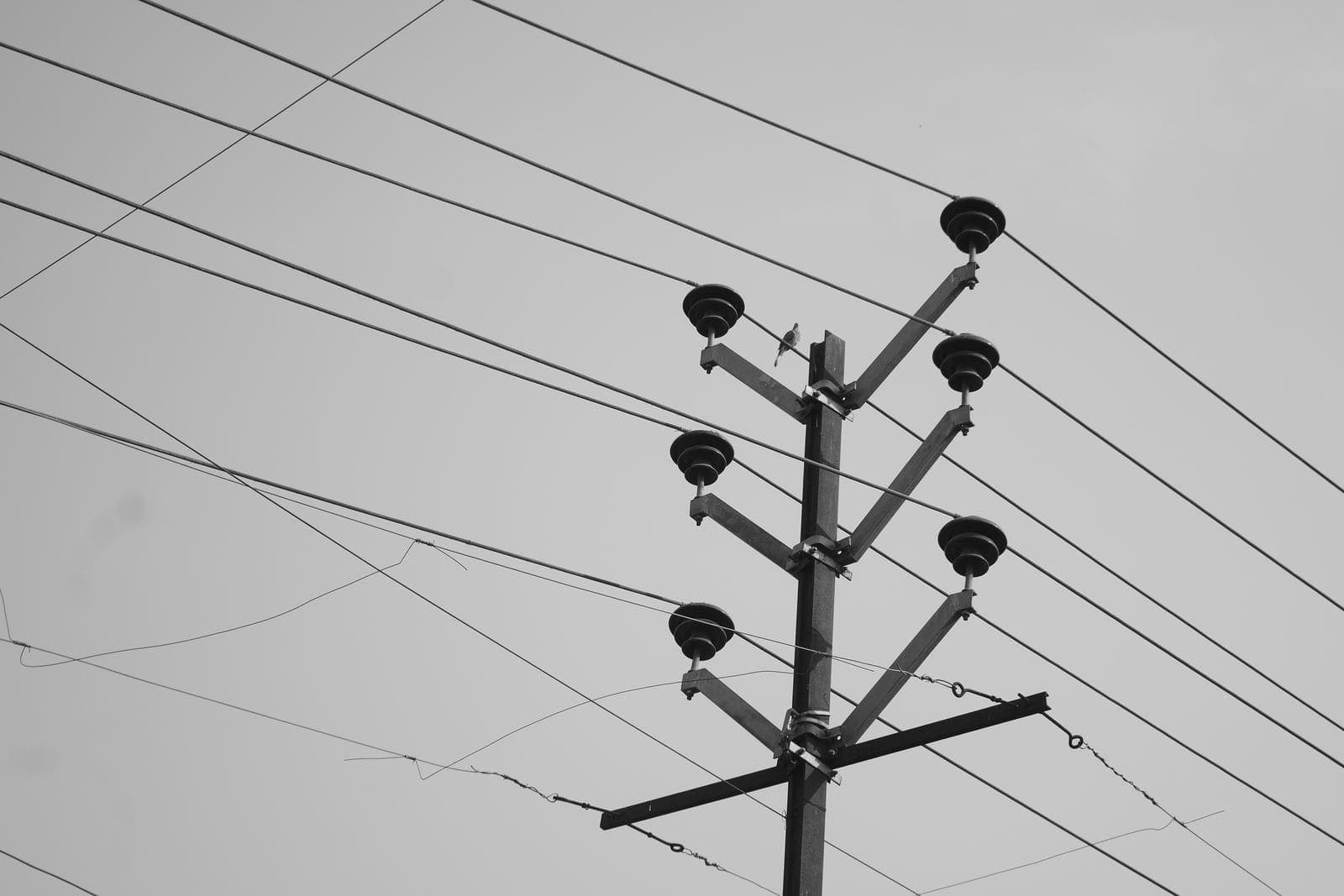
You smile, then you measure. A ten-metre telephone extension lead running alongside a power strip, an old oxidised RJ11 cord, a makeshift splitter: all of them sources of noise that never bothered anyone on a voice call. A shielded RJ11 telephone cord of the right length and a direct connection to the ATA eliminate an entire category of intermittent faults.
6. Check the quality of the internet link
VoIP tolerates around 1% packet loss for voice. Fax in pass-through mode tolerates far less. If your connection is shared with cloud backups, video conferencing and streaming, enable QoS prioritisation on the router — or send faxes outside peak hours while you validate the diagnosis. A business router with QoS management solves this problem for good in organisations with more than five workstations.
7. Test with a control number
Never run diagnostics on a real, urgent transmission. Many online fax services, including MondialFax, let you send a test document to a number you control, then compare the output. A test pattern page (fine lines, 6-point text, grey blocks) immediately reveals whether the problem is data loss or simply image compression.
8. Keep a record of the failures
The fax machine's activity log shows the T.30 error code and the page reached. "Error on page 1" points to the initial negotiation (codec, T.38); "error on page 4" points to an unstable link. These are not the same fault, nor the same fix.
When to stop repairing and change approach
There comes a point where technical stubbornness costs more than migrating. Our users generally place it at the third billed callout on a fax machine that still has ten years of service ahead of it.
The reasoning is simple. Keeping an analogue fax behind an IP line means maintaining: a machine and its consumables, a dedicated line and its subscription, an adapter, and enough network expertise for the settings above. A fax-to-email service removes all four: the document leaves from a computer or a phone, travels over HTTPS to the platform, and it is the platform that handles the modem side on gateways built for the job. The recipient sees no difference at all — they receive a perfectly standard fax on their own machine.
It is also the only option that guarantees usable traceability: time-stamped transmission receipts, a searchable log, archiving. On that point, our guide to fax archiving and retention periods details what to keep and for how long.
The special case of heavy documents
If you are sending documents scanned on a multifunction device, the scan quality matters as much as the network. A duplex document scanner produces crisp PDFs at 200 or 300 dpi, whereas a photo taken on a smartphone generates grey files, contrasted in all the wrong places, that fax conversion renders illegible. A Group 3 fax is 1-bit black and white: anything that is not decidedly black becomes white, or the other way round.
For practices that archive in parallel, an encrypted external hard drive remains the sensible complement to a cloud backup, particularly for health records subject to GDPR and health data hosting rules.
Frequently asked questions
Is T.38 mandatory now that the PSTN has been switched off?
No, there is no regulatory obligation. It is a technical recommendation. Regulators oversee the copper shutdown and number portability, not application-layer protocols. In practice, however, without properly configured T.38 or G.711 pass-through, an analogue fax on an IP line simply will not work reliably.
Can I keep my fax number when moving to an online solution?
Yes. Portability applies to fax numbers just as it does to other geographic numbers: obtain your portability code, pass it to the new provider, and do not cancel the line until the port has gone through.
Why does the first page go through but not the following ones?
A classic symptom of an unstable link or a timer set too short. The initial negotiation takes place at low speed, so it succeeds; image transmission, on the other hand, runs at full speed and suffers. Cap the speed at 9,600 bit/s and check for packet loss.
Is fax still useful in 2026?
In certain sectors, yes: healthcare, notarial work, public administration, and international exchanges with countries where the fax retains official standing. What is changing is the medium: paper and the copper line are disappearing, the use case is not.
Do I need a phone subscription to receive a fax by email?
No. A receiving number provided by the service is enough; faxes arrive as PDFs in your inbox, with no hardware and no dedicated line.
In summary
- A fax is a synchronous audio signal (V.27 ter, V.29, V.17 standards; T.30 protocol) that VoIP compression destroys.
- Two valid transport methods over IP: T.38 (demodulation, robust, the preferred option) and G.711 pass-through (uncompressed audio, simple but fragile).
- The settings that save the day: G.711a codec forced, speed capped at 9,600 bit/s, echo cancellation and VAD disabled, ECM adjusted to suit the mode.
- Hardware matters: a T.38-compatible ATA adapter, short clean cabling, QoS on the router.
- The fax machine's log tells you where the failure occurs: page 1 = negotiation, page N = link instability.
- Beyond two or three callouts, a fax-to-email solution works out cheaper and removes the analogue layer altogether — while letting you keep your number thanks to portability.
Tagsfaxvoipplatformpaperless