Short answer: when working remotely, don't try to rebuild a 2005 office. There is nothing to plug into a phone socket — it often no longer exists, and the old switched telephone network is shutting down town by town. The chain that actually works has three links: scan cleanly (mobile scanning app or portable scanner), produce a single black-and-white PDF at 200 dpi, then go through an online fax service that handles the protocol and emails you the confirmation. The rest — cover sheet, archiving, confidentiality on public networks — is a matter of method, not hardware.
Faxing hasn't disappeared from professional workflows: court registries, pension funds, laboratories, certain government bodies and many correspondents abroad still accept nothing but a fax number. What has disappeared is the office with the fax machine sitting in the corner. Between home, the coworking space, the hotel room and the train, the user has gone mobile — and their fax has to follow.
Why a home fax machine is a false good idea
The temptation is real: a second-hand unit costs next to nothing, it sits in a corner, and you think the question is settled once and for all. Three obstacles stand in the way.
There's no longer a line to plug it into
Since 2018, Orange has stopped selling new PSTN lines, and the technical shutdown of the copper network is advancing in batches of municipalities — Arcep regularly publishes the list of affected areas and the operator timetable. In a new-build home or one connected to fibre, the wall socket is usually dead. That leaves the "TEL" port on the router, which carries voice over VoIP: a channel designed for speech, not for the tones of a fax modem. We covered this in detail in our article on fax over VoIP and the failure of T.38.
The real cost isn't the machine
A fax machine eats consumables: cartridge, thermal film, paper. You need a dedicated phone subscription unless you want to tie up your line. And you have to be physically in front of the device to feed the sheet in — which defeats the whole point of remote work the moment you're at a client's site.
It creates a data leak point at home
An incoming fax prints out. A printed sheet in a living room, a spare bedroom or a shared hallway is no longer under control. For a medical practice, an accounting firm or a lawyer, that's a risk documented in the CNIL's recommendations on remote working: professional documents should not end up in the private space without protective measures.
The conclusion is simple: on the move, the only workable architecture is fully digital, end to end.
The equipment that's genuinely useful
You can send a fax from a bare smartphone. You do it better with four or five inexpensive items, which mainly improve the quality of the scan — the number one cause of illegible faxes at the other end.
Scanning: the app is often enough
The scanning tools built into iOS (Notes, Files) and Android (Google Drive) straighten out perspective, crop, and export to multi-page PDF. It's free and more than sufficient for two or three pages.
Beyond that, ergonomics fall apart: holding the phone above twenty sheets, freehand, in hotel lighting, produces crooked, grey pages. A simple adjustable smartphone stand placed on the table steadies the shot and frees both hands to turn pages. It's the best value-for-money accessory on this entire list.
Scanning better: the portable scanner
For regular use — more than ten documents a week — a USB-powered portable scanner is a game changer. These pencil-case-sized devices swallow an A4 sheet in a few seconds, at 300 dpi, with no optical distortion or cast shadow. Some models with an automatic feeder process a whole stack while you do something else.
Two criteria really matter: power drawn from the computer's USB port (no extra mains adapter to carry) and direct output to black-and-white PDF.
Lighting: underrated, decisive
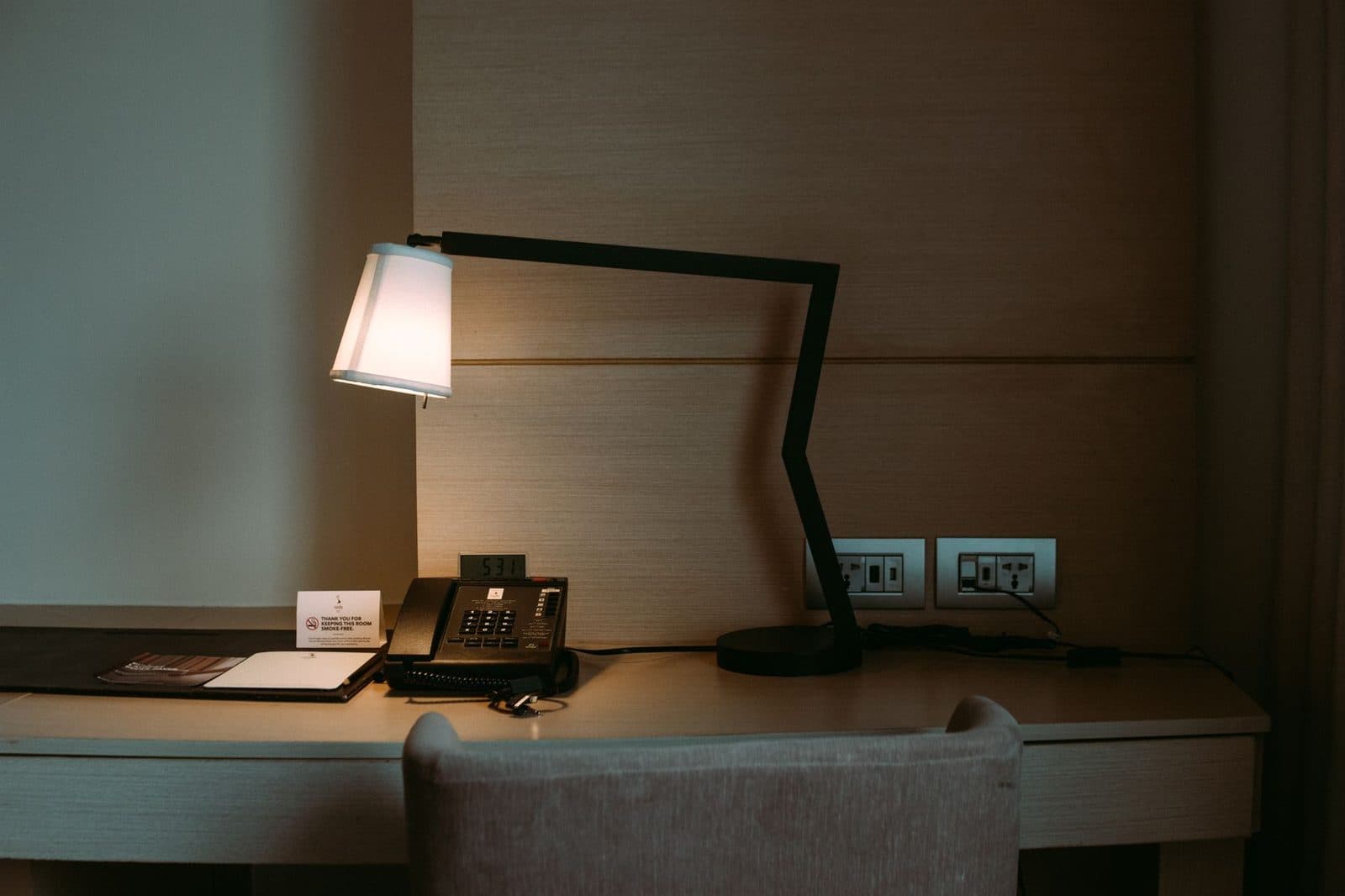
A photo of a poorly lit document produces an uneven grey background that the fax's binarisation turns into blotches. An LED desk lamp with an articulated arm, angled at 45°, removes cast shadows and evens out the background. In a hotel room, where the lighting is almost always yellow and raking, the effect is spectacular.
Signing and annotating
Many faxed documents need to be signed. Three routes:
- handwritten signature on paper, then scanning — the most universal;
- on-screen signature with a capacitive tablet stylus, on the PDF, before sending;
- qualified electronic signature, which falls under a different legal regime and doesn't need a fax at all.
Protecting the paper
If you're carrying originals around, a rigid A4 document folder prevents the dog-ears and creases that, once scanned, create black lines across the page. Minor detail, real effect.
The method: from sheet of paper to delivery confirmation
1. Set up the scan for faxing, not for archiving
Group 3 fax works in pure black and white, with no greyscale. A colour scan at 600 dpi won't be more legible: it will be converted, and often badly. The settings that work:
| Setting | Recommended value | Why |
|---|---|---|
| Mode | Black and white (line art) | Matches the fax's native encoding |
| Resolution | 200 dpi (fine) | Fine fax standard, 1728 dots per line |
| Paper size | A4 | Avoids cropping for North American recipients |
| Contrast | Slightly increased | Compensates for grey photo backgrounds |
| File | Single multi-page PDF | One send, one confirmation |
Handwriting in pencil, a faint stamp or a photocopy of a photocopy won't make it through: go over it in black pen before scanning. Our guide to the illegible fax covers the edge cases.
2. Merge into a single PDF
Sending three separate files generates three calls, three potential charges and three confirmations that nobody will be able to piece back together. Always merge before sending, in reading order, cover sheet first.
3. Put together a minimal cover sheet
Even on the move, the cover sheet remains the sender's only identification: name, organisation, callback number, subject, total number of pages. The details to include are listed in our cover sheet template.
4. Send from the browser
This is where mobility becomes a non-issue: the sending form works from any connected device. The service handles international number formatting, modem negotiation and retries. Just check that the recipient's country appears in the list of supported countries — MondialFax covers France, Belgium, Germany, Spain, Italy, Portugal and Canada.
5. Keep the confirmation, not just the document
The confirmation email contains the number called, the timestamp, the number of pages and the status. File it with the PDF you sent, in the same folder, under the same name. On the road, the temptation is to let the confirmation drown in your inbox: set up an automatic filing rule the day you configure your account, not six months later.
Receiving a fax when you have no fixed address
This is the half of the equation everyone forgets. A correspondent asking for "your fax number" expects a number reachable at all times, not a machine switched on from 9 to 6.
A fax-to-email receiving number solves the problem: incoming faxes arrive as PDFs in a mailbox, readable from a phone, in Lisbon as in Lille. How it works is explained in detail on our receive a fax page and in the fax-to-email guide.
Two useful habits for the mobile worker:
- Dedicate an email address to receiving faxes, separate from your main address. You can then share it with a partner or an assistant without giving access to anything else.
- Check the provider's retention period. A PDF available for 30 days is not archiving: download it into your own filing system.
Confidentiality: public Wi-Fi is the real risk
The fax protocol isn't encrypted — it never has been. But with fax-to-email, the fragile leg is no longer the phone line: it's the path between your device and the platform, then between the platform and your mailbox.
What to check
- HTTPS at all times on the sending form. No exceptions.
- A trusted network. On airport or café Wi-Fi, use your smartphone's personal hotspot instead. If you must use an open network, a corporate VPN is essential — that's ANSSI's consistent recommendation in its guidance on mobile working.
- Your screen. A laptop privacy screen filter prevents anyone reading over your shoulder on a train or in an open-plan office. For anyone handling health data or legal case files, this is not a gadget.
- Automatic session lock at 5 minutes, and disk encryption (BitLocker, FileVault) switched on.
GDPR: remote working changes nothing
Processing personal data from your living room is still processing under the GDPR. The data controller — the employer or the self-employed professional — must still guarantee confidentiality, log access and limit retention. The CNIL reiterates this in its recommendations on remote working: the technical measures must be equivalent to those in the office. We developed this point for faxing in our article on fax confidentiality and the GDPR.
Three real-world situations
The consultant on the road
A firm asks him to send a signed contract to the court registry before 5 pm. He scans the six pages with his phone's app, mounted on its stand, merges the PDF, adds a cover sheet and sends it from the browser over 4G. Confirmation received at 4:42 pm. No special equipment.
The small medical practice
The doctor works from home one day a week. The practice's fax number is redirected to a dedicated mailbox, accessible only to the doctor and the receptionist. Reports arrive as PDFs; nothing is printed at home. The documents are transferred into the practice management software the following day.
The multi-site micro-business
Three people, three cities, a single shared incoming fax number. Each sends from their own workstation; the confirmations go to a shared address. This is exactly the setup described in our article on multi-site faxing.
Frequently asked questions
Can you send a fax from a smartphone without a dedicated app?
Yes. Scan with the phone's native tool, export to PDF, then use the fax service's web form in your browser. No installation required.
Does a fax sent from the internet have the same standing as one from a machine?
Yes: at the recipient's end, the fax arrives via the same protocol. Evidential value depends on the record you keep — document, transmission report, confirmation — not on the hardware it came from.
Do you need a phone line to receive a fax while working remotely?
No. A virtual receiving number routes faxes to an email address; no physical line, no device left switched on.
What if the recipient only accepts Letter format?
Scan in A4 but make sure your top and bottom margins leave at least 15 mm of white space: A4 → Letter conversion truncates the bottom of the page. It's the classic pitfall when sending to Canada.
Is a portable scanner essential?
No, but it pays for itself beyond about ten documents a week, especially for batches of more than five pages where freehand photography quickly shows its limits.
Can you fax from a train or a plane?
From a train, yes, if the connection holds: web sending handles brief dropouts far better than an analogue modem. In flight, onboard Wi-Fi is generally too restricted and too insecure for sensitive documents.
Key takeaways
- No fax machine belongs in a mobile office: no line, no consumables, no control over what gets printed.
- Scan quality determines final legibility: black and white, 200 dpi, A4, good lighting.
- One single PDF, cover sheet first, for one send and one confirmation.
- Fax-to-email reception is essential to stay reachable without a fixed address.
- Public Wi-Fi is the weak link: personal hotspot, VPN, privacy filter, automatic lock.
- File the confirmation with the document as soon as you send it, without waiting until you're back at the office.
- Check country coverage before any international send — a number outside the covered area is refused, with no partial transmission.
Tagsfaxpaperlesssecurityvoip