Short answer: To digitalize business faxing, the most effective solution is to replace physical hardware with an online fax service (Cloud Fax). This allows you to transform analog transmissions into PDF files received via email or stored in the cloud, thereby eliminating hardware maintenance costs, paper waste, and the risk of losing physical documents.
About MondialFax. This guide describes the digital fax market in general, not our service. MondialFax does one thing: it sends faxes, free and without registration. It assigns no number, offers no reception and has no subscription — so the portability and reception discussed below go through a third-party provider. See receiving a fax for what that actually takes.
The paradox of faxing in 2026 is striking: while we use instant collaboration tools, the fax machine remains a pillar in sectors such as law, healthcare, and administration. Why? Because it provides proof of receipt and a simplicity of transmission that email, despite its evolution, does not fully replace in certain strict protocols. However, maintaining a fleet of physical machines has become a costly and risky anachronism.
Going digital doesn't mean abandoning the fax, but changing its nature: moving from a "paper → machine → line → machine → paper" flow to a "digital → cloud → line → machine → paper" flow (or vice versa). Here is how to orchestrate this transition without disrupting your operations.

The Risks of Maintaining Analog Faxing
Keeping a traditional fax machine in 2026 exposes a company to several critical vulnerabilities. The first is technical: with the progressive disappearance of the copper network (PSTN), analog lines are becoming unstable or disappearing entirely, forcing the use of often temperamental ATA adapters.
Next is the issue of security and compliance. A paper fax left sitting on a reception tray is a major GDPR flaw. Anyone walking past the machine can read confidential data. Conversely, digital faxing allows documents to be routed directly to a secure folder or a named mailbox, with precise tracking of who accessed the document.
Finally, the hidden cost is colossal. Between toner cartridges, paper, roller maintenance, and the human time spent manually filing loose sheets, analog faxing is a productivity sink. For those who still need to digitize paper archives before switching, using a high-speed document scanner can save precious time.
The 4-Step Transition Process
Digitalizing your fax workflow doesn't happen in one click. It requires a methodical approach to avoid communication breakdowns with your partners.
1. Audit Flows and Volumes
Before any change, list your needs:
- What volume of pages do you send per month?
- How many fax numbers do you manage?
- Who are your recipients (government agencies, clients, suppliers)?
- What is the primary destination of your documents (archiving, signature, immediate action)?
2. Choosing the Digital Infrastructure
There are two paths. The first is the installation of an internal fax server (on-premise), which is complex and expensive. The second, and more agile, is the online fax service. The latter acts as a gateway: it receives the analog signal from the outside world and instantly converts it into a PDF. The advantage is immediate: no need for a dedicated phone line or physical machine.
3. Number Migration
The most delicate step is portability. To avoid losing your contacts, you must transfer your existing fax numbers to your new digital platform. This ensures that your partners continue to send their documents to the same number, without even knowing you have removed your physical machine.
4. Integration into the Document Workflow
The fax should no longer be a final destination, but a flow input. Once the fax is received as a PDF, it can be automatically routed to an electronic document management (EDM) software or a CRM. To physically organize your last paper documents before they disappear, an ergonomic desk organizer can help maintain clarity during the transition phase.
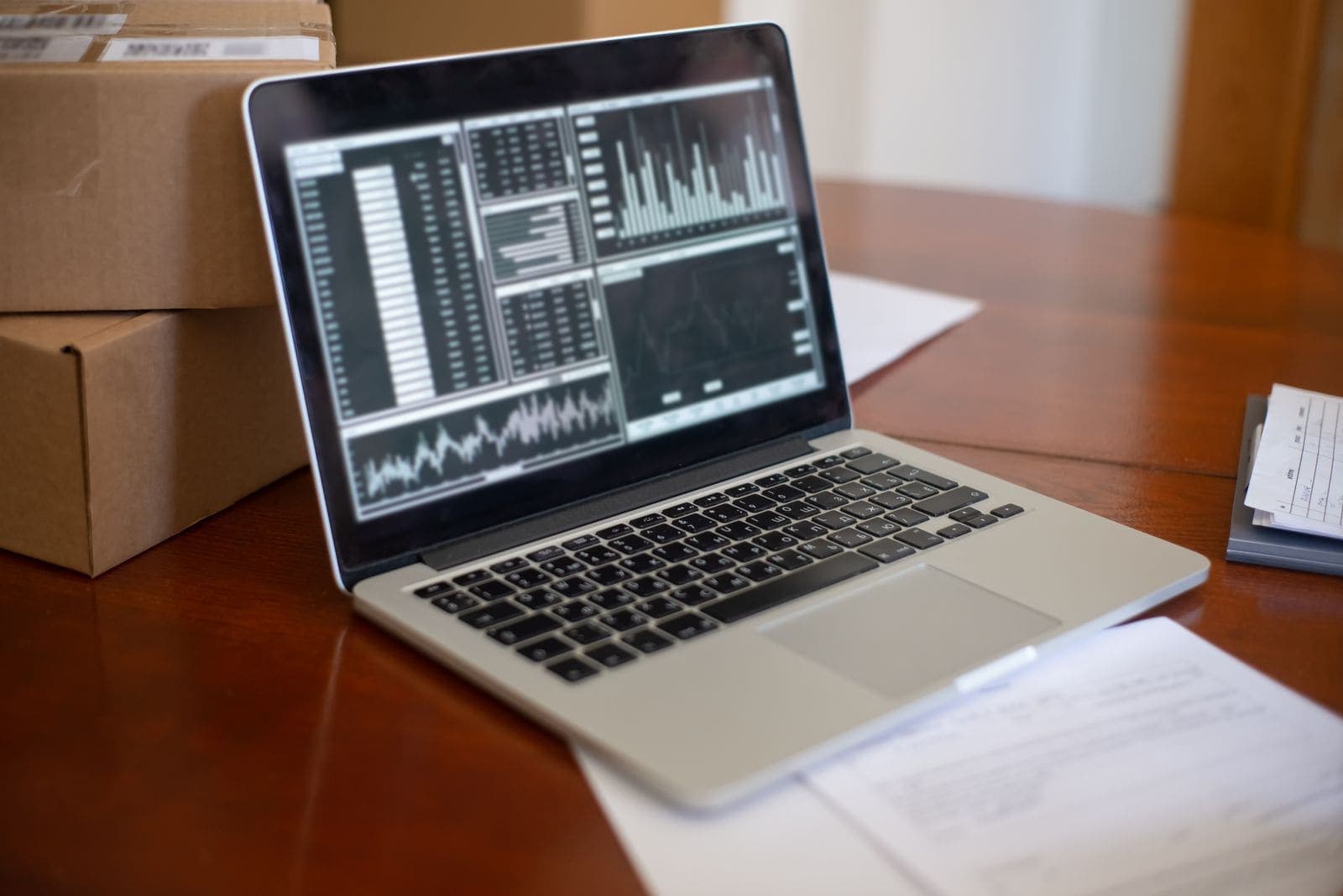
Comparison: Analog Fax vs. Digital Fax
| Feature | Analog Fax (Traditional) | Digital Fax (Cloud) |
|---|---|---|
| Medium | Paper / Toner | PDF / Email / Cloud |
| Line | Dedicated PSTN line | Internet Connection |
| Accessibility | Physical (at the office) | Anywhere (Remote/Telework) |
| Security | Low (physical access) | High (encryption, restricted access) |
| Cost | Consumables + Maintenance | Subscription or pay-per-use |
| Archiving | Physical binders | Instant digital indexing |
Security and Compliance: The Crucial Point
In a professional environment, the evidentiary value of a document is essential. Digital faxing does more than just transmit an image; it generates a detailed transmission report (date, time, recipient number, confirmation of receipt). This event log is indispensable in case of legal disputes, as it proves that the document was successfully delivered.
To reinforce this security, companies often adopt encryption protocols for file transport. Using a secure external hard drive for local backups of these digital archives remains a recommended practice to avoid any data loss in the event of a server failure.
FAQ: Fax Digitalization
Does digital fax have the same legal value?
Yes, as long as the service used provides a transmission report and the final document is intact. In most jurisdictions, faxing is recognized as a means of proof, whether transmitted via an analog modem or a cloud gateway.
Can I keep my current fax number?
Absolutely. Most professional fax platforms offer number portability. This is an essential step to avoid breaking ties with your regular contacts.
How do I handle documents that must be signed by hand?
This is where the hybrid flow comes in: you receive the fax by email, print it using a laser multifunction printer for signature, then scan and resend it via the digital platform. This is infinitely faster than waiting in front of a machine that "beeps."
Is it compatible with remote work?
This is the major advantage. Analog faxing required the employee to be physically present at the office. Digital faxing allows urgent documents to be processed from anywhere, thus securing the company's business continuity.
In Summary
To successfully digitalize your faxes, keep these key points in mind:
- Eliminate hardware dependency: replace the fax machine with a cloud solution.
- Secure your data: move from an open reception tray to secure PDF transfers.
- Optimize your costs: eliminate paper and toner in favor of a paperless flow.
- Maintain your connections: port your existing numbers to avoid any communication gaps.
- Integrate your tools: link your received faxes to your EDM or CRM for automated processing.
The transition to zero paper doesn't happen against the fax, but with it, by leveraging the power of digital technology to make this robust tool finally modern and efficient.
Tagsfaxpaperlessplatformsecurity